
One of the greatest things about modern computers is the ability to connect multiple monitors. As someone who multitasks 100% of the time, having two or three monitors connected to a computer allows my ADHD-riddled brain to run like a freed stable of wild horses. On my home computer it allows me to watch videos and monitor email while surfing the web or, well, writing blog posts. On my work computer it allows me to monitor email, participate in meetings and chats, and script all at the same time.
Unfortunately, my eyes are getting weaker. The three monitors connected to my home computer are 27″ in size and meet my needs, but the two 24″ monitors connected to my work computer are a tiny bit too small. Recently I’ve found myself making minor mistakes when scripting, and finding those single-character errors can be maddening.
I mentioned this to my supervisor and while there were some larger monitors I could potentially get, they all seemed to be wider but not taller. Now believe me, a super-wide monitor seems cool and I would love to play with one, but I don’t think that would resolve this particular issue I’m having.
And so, I decided to replace my two 24″ monitors with a 40″ television.
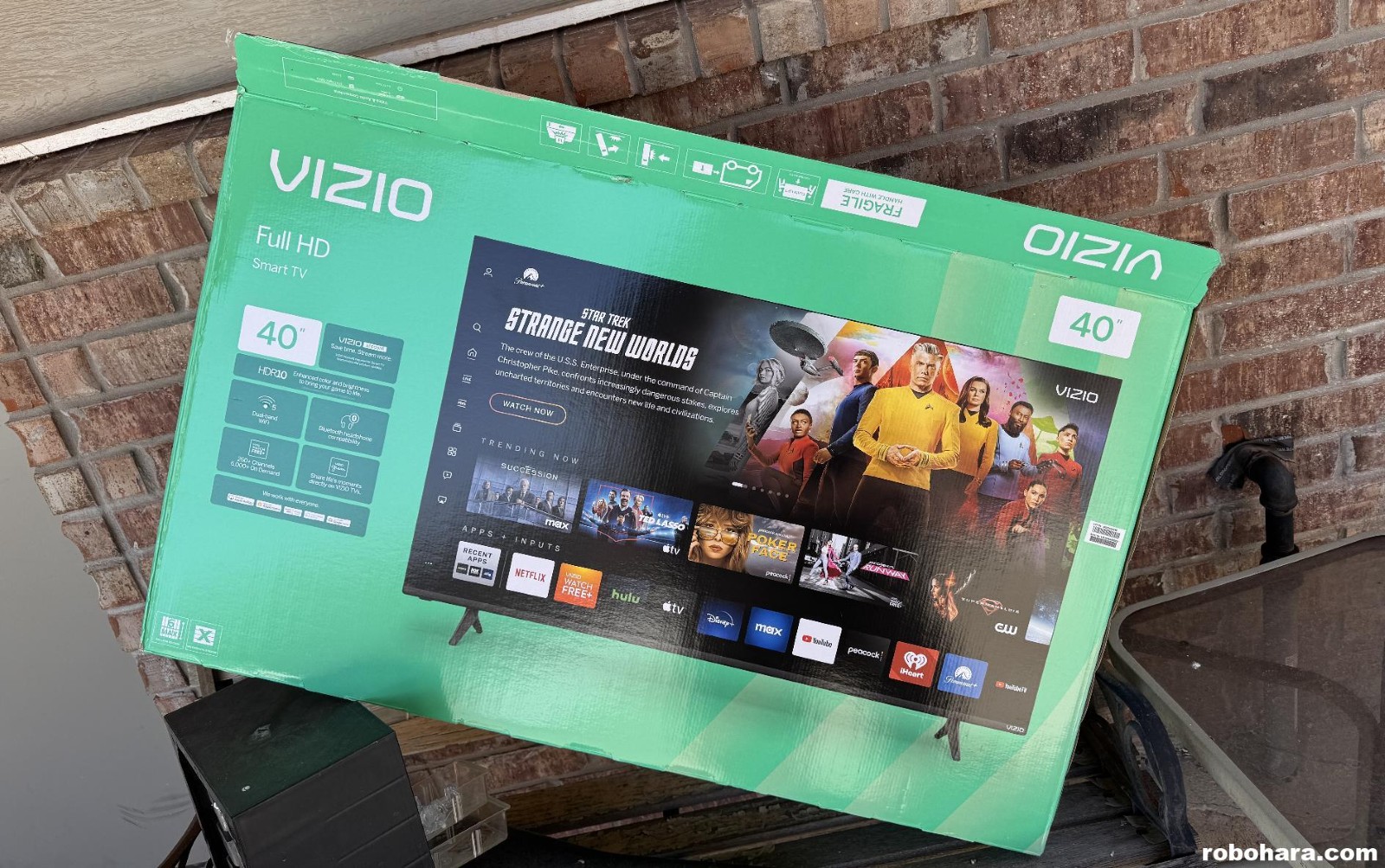
Modern flatscreen televisions have HDMI inputs just like a computer monitor, and have resolutions to match. What little information I found online seemed to say that televisions didn’t have the refresh rate of a computer monitor and might not be ideal for high-end gaming, but (a) I wonder if that’s still true as plenty of people game on televisions with modern consoles and don’t seem to complain, and (b) I’m not planning to game on this television.
My personal limitation is that in the corner of my office I’ve mounted a 55″ television to the wall. The mount allows the TV to tilt and swing around but not move up or down. Because of where my desk sits, that gives me a finite amount of space to set a new TV/monitor. It appears to me that the smallest television they make with 4K resolution is a 43″ and while that resolution would be ideal, physically it just won’t fit and I would have to move the mounted TV. The next popular size down is the 37″ which easily fits, but only goes up to 1080p.
While on a quick trip to Sam’s (with money burning a hole in my pocket after not buying anything in January) I found a single 40″ television by Vizio. It’s only 1080p, but it was on sale for $138. At that price I decided to give it a shot and if it didn’t work I could return it or, more likely, find some stupid place like a bathroom or closet to mount it.
While at Sam’s Club I bought a case of Monster Energy Drinks. It cost $40. A 40″ flatscreen television at Sam’s Club costs the same as 84 cans of Monster Energy Drink — unless you buy them at 7-11 for $3, at which point it would only be 47 cans. I digress…
Getting this Vizio television up and running was the most frustrating television I’ve ever worked with. While all I really wanted to access was the HDMI input, the TV demanded that I complete the Vizio login process. That included being forced to create a Vizio account and fiddle around over and over with some sort of “connection” that connects my TV to that account. Even more troubling is Vizio’s rather Draconian EULA that informs you their televisions use “video and audio monitoring technology” that can view or listen to anything you watch — not just their Smart TV content, but anything and everything — and send it back to them for marketing purposes. By enabling their smart television features I would be giving them permission to monitor my work email, for example. No thanks. Of course that’s why this TV costs $140 and not $500. Once I completed all the setup features and performed the required updates, I promptly disabled its WiFi connection.
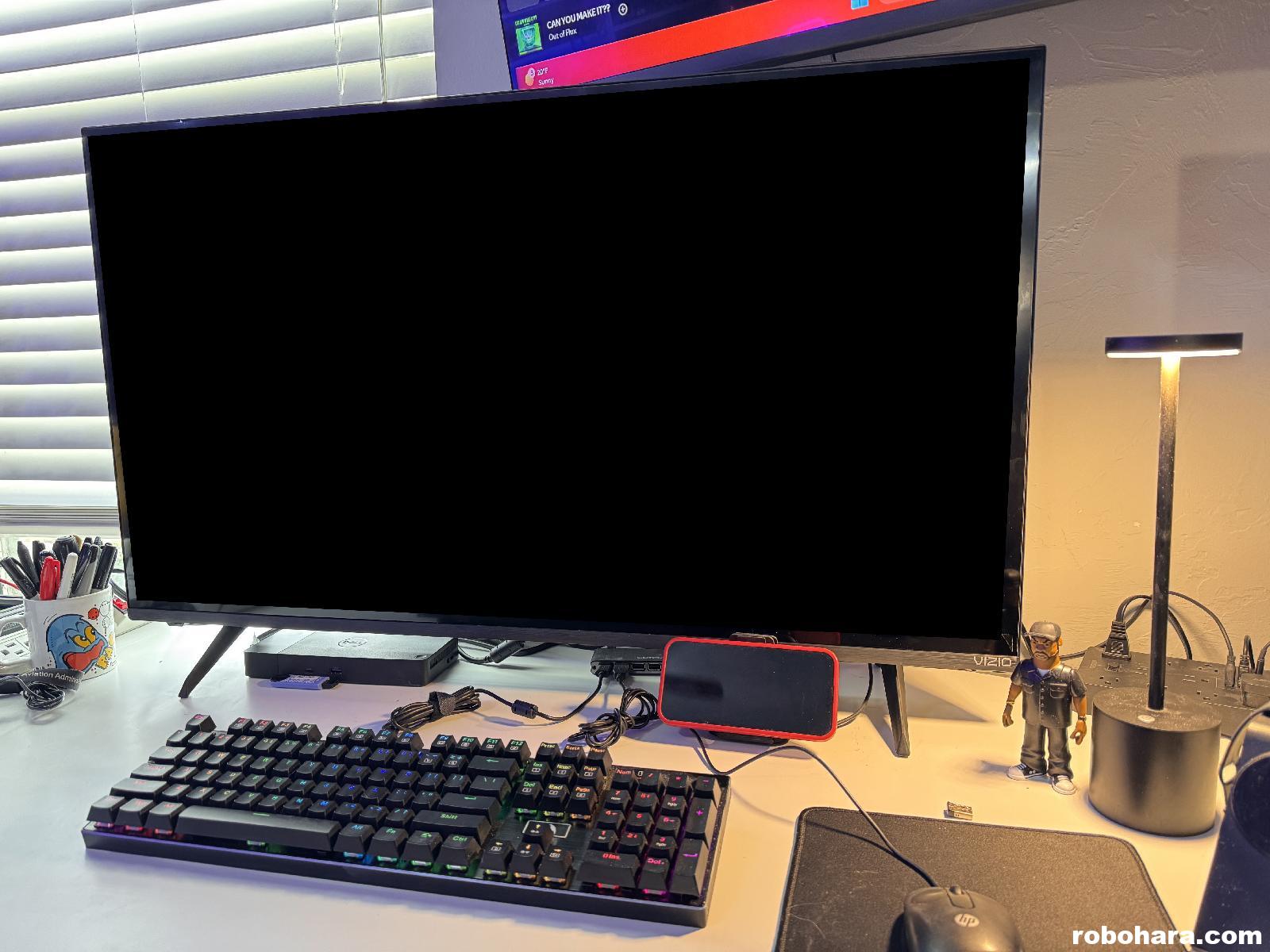
As you can see above, the television is large but not obnoxiously so, and it clears the television above it by literally a quarter of an inch. If there’s any downside to the video quality as compared to a standard computer monitor, I’ve not seen it.
Really, I’ve only run into one major problem with my new purchase. The television that’s mounted above it also happens to be a Vizio television. When I turned the new TV on with the remote… the other TV turned off! The remote controls both television and no amount of aiming or blocking the sensor with my hand seems to prevent either one from receiving the remote’s powerful commands. In a world where phones connect to televisions and I get text messages from our washer and dryer, the only solution I’ve found is to stand up and physically press the power button.
How barbaric.
Discover more from RobOHara.com
Subscribe to get the latest posts sent to your email.
I’m in the same boat. Home pc is 32″ and 24″. Work is three 24″s and I’m starting to stuggle. How is the 40″ working out? Enough room for multi windows? My fear is that I’ll wind up needing 2 40″s. Is the resolution good or do you wish you would have gone for a 4K?
The resolution is okay. 4k would be nicer but the smallest 4k monitor I could find was 43″ which physically would not fit in the space. If this doesn’t work out I’ll upgrade to the 4k and then remount the TV above it which will be a pain int he butt and leave holes in the wall.