
Many years ago, back when I worked on a helpdesk at work, I used to sit in on interviews. Management wanted me there to gauge the technical and troubleshooting skills of each candidate, which I did by presenting the following scenario: “a user calls the helpdesk and says they can’t print to one of our network printers. How would you troubleshoot that?” The question was less about their specific answer and more about their troubleshooting process. For example, by seeing if the user can print to a different printer, or print from a different program, or if anyone in the office can print to that printer, you can narrow down where the problem lies pretty quickly. Finding where the problem lies is most of the work; the rest is in the details.
The hardest problems to troubleshoot are the ones where the problem appears to either be in two places, or nowhere. What happens when the user can print to other printers (which points to a printer problem), but other users can still print to the first printer (which points to a client problem). Hunches are helpful when troubleshooting but when they fail, logic is a good backup.

When Susan texted me Saturday afternoon to tell me “everybody on the television is green,” my immediate assumption was that something had gone out on our new television. The TV is only two weeks old and the latest variable is always the first place to check. After changing channels and turning everything off and back on, everyone was still green.
Then it was time to separate the problem into components. I’ve got a DirecTV box with HDMI out running to HDMI-1 on the TV. Swapping HDMI cables didn’t fix the problem. I plugged the new cable into HDMI-2 and checked. Still green — that rules out the cable and any specific HDMI input on the TV.
Inside my TV cabinet I have an old Android device that I only use for playing slideshows on the television around Christmas. I switched over to that input… and all the colors went back to normal. I then flipped over to the “free streaming content” that comes backed into these new smart TVs and confirmed that the colors were back. I then swapped back to DirecTV and everyone was still green.
The problem is not the television. It HAS to be the DirecTV box.
Since I had already powered the DirecTV box off and back on, I went into the menu and selected Reboot. When that didn’t work, I selected “Factory Reset” which would force me to set every single app back up, but that was the next logical step. It didn’t fix it.
The only thing I could figure out at this point was that the box itself had physically failed and was no longer sending the color red through its output. To test this, we pulled the spare box out of the bedroom and hooked it up in the living room.
Everyone was still green. Swapping out the box did not fix the problem, which means the problem is with the television.
If you’re tracking, here’s where I was:
The problem is not the television. It HAS to be the DirecTV box.
— and —
The problem is not the DirecTV box. It HAS to be the television.

Now convinced that the problem was with the DirecTV box itself, I ran an HDMI cable from it to a computer monitor just to verify that the picture would remain green. It did not. It was perfect. Which means the problem HAD to be the television.
And also, it couldn’t be.
I could let you guess what the problem was for the next ten years and you wouldn’t. I wouldn’t. Apparently while we were out of the room, the Vizio TV downloaded an update and rebooted which somehow turned on HDR, or High Dynamic Range video. DirecTV supports HDR video and so does my television — it’s a high-def format only used for 4k broadcasts — but apparently in very rare cases, the two signals can fail to handshake properly resulting in color configuration issues including — you guessed it — an overly green signal. It shows up in a few Google searches once you’ve figured out the problem and are searching from the backside with the solution. Without it, all the searches tell you your TV is bad, your DirecTV box is bad, or the HDMI cable is bad.
So the problem was a failed protocol handshake caused by a random update and reboot that happened while I was out of the room. I didn’t have that on Saturday’s bingo card. Since the problem was a compatibility issue between the two devices, that’s why it didn’t show up in either place. When I ran a different input into the television, everything worked. When I ran the DirecTV signal into another TV, it also worked.
The solution was simply turning HDR “off” in the television’s menu, which immediately fixed the issue. And just to confirm that was the problem, I turned HDR back on and… nothing happened. It works fine.
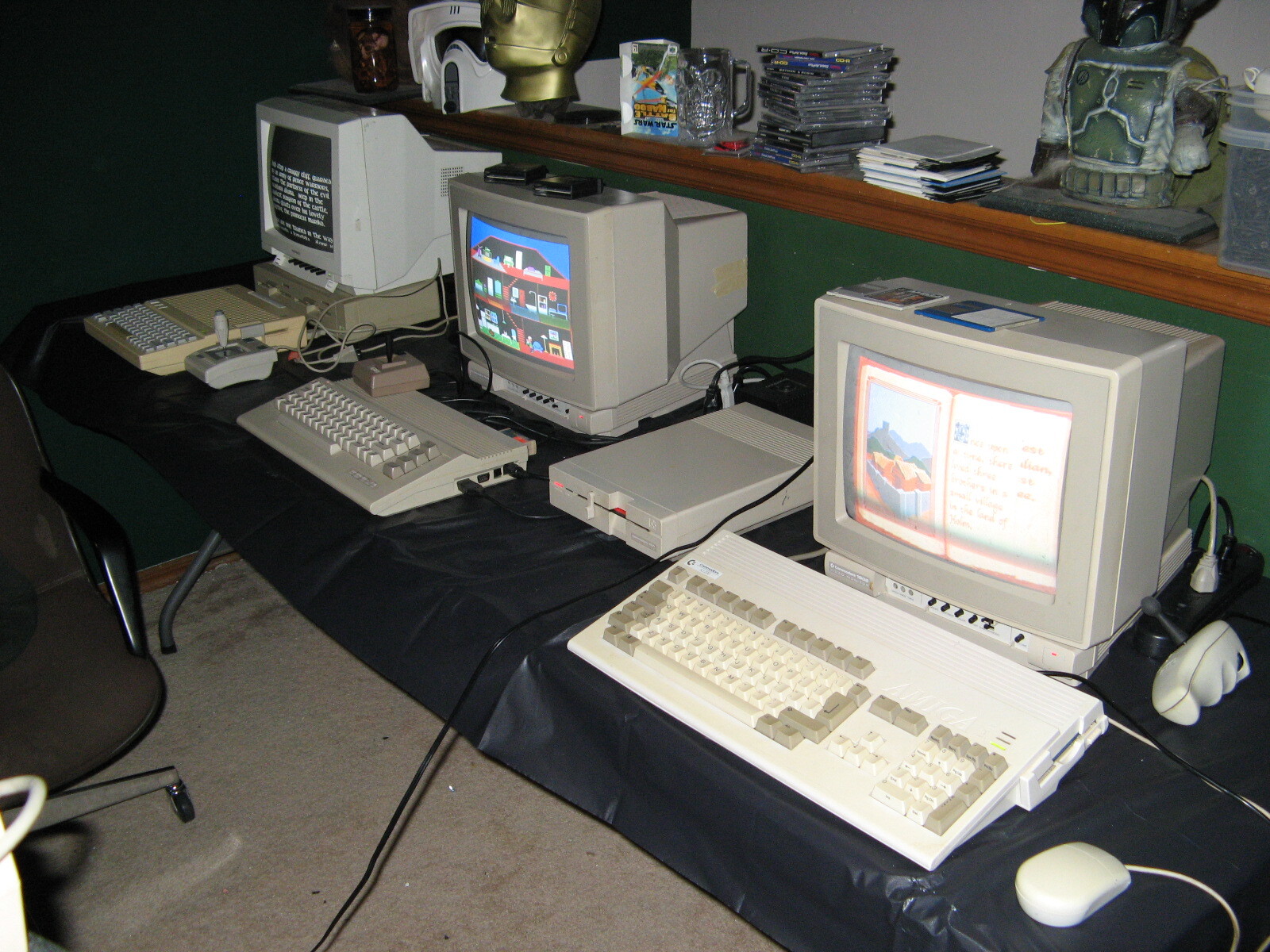
The next time someone asks why I have a stack of CRT monitors out in my workshop, they’re going to hear this story. Old CRT televisions were big, heavy, used more electricity and put off more heat, but I’ll be damned if I ever had to troubleshoot an HDR-related protocol handshake failure when using one.
Discover more from RobOHara.com
Subscribe to get the latest posts sent to your email.
When interviewing for an IT related help desk position… if the answer to the question isn’t “ask the user to turn off the device for 1 minute and turn it back on” isn’t the first thing answered … move along to the next person :-)
This is but one of the reasons I don’t let my TVs talk to the internet.
Normally I don’t either. Unfortunately, to access the settings at all — we’re talking change the brightness or adjust the sound settings — you have to connect it (a) to the internet and (b) to their app. It’s a racket and I hate it. I needed to turn off their virtual surround sound processing and change a few defaults (recert to last channel watched instead of their dumb home screen each time). It should be criminal to prevent owners from accessing the settings before connecting it online. It has since been removed from the network.